Before you start
0 / 3
- Be the owner, or have a role with Manage billing
- The product and tier you want, and whether to pay Monthly or Annual
- A card — secure checkout asks for it when you first subscribe
Open Settings and choose Billing & plans
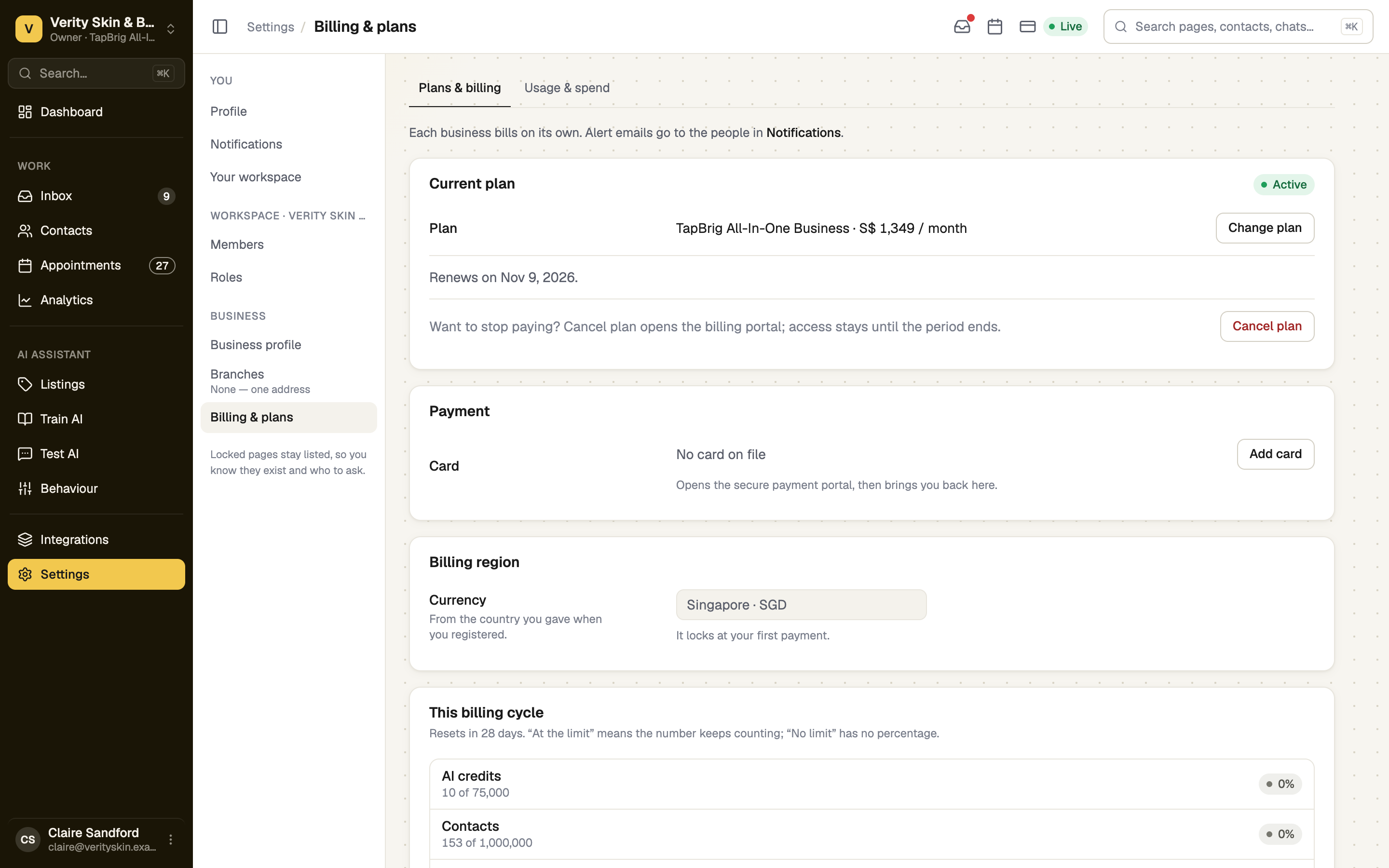
Go to Settings → Billing & plans. Current plan shows your plan, a status chip and the renewal date. Further down: Payment, Billing region, Add-ons, Buy AI credits and Invoices.
Billing is in MYR for Malaysia and SGD elsewhere, from the country you gave at sign-up; it locks at your first payment. Prices and allowances are on the pricing page. Prices exclude tax. WhatsApp messages are not on this bill: Meta charges them to your own Meta account (What Meta charges for WhatsApp).
Choose a plan
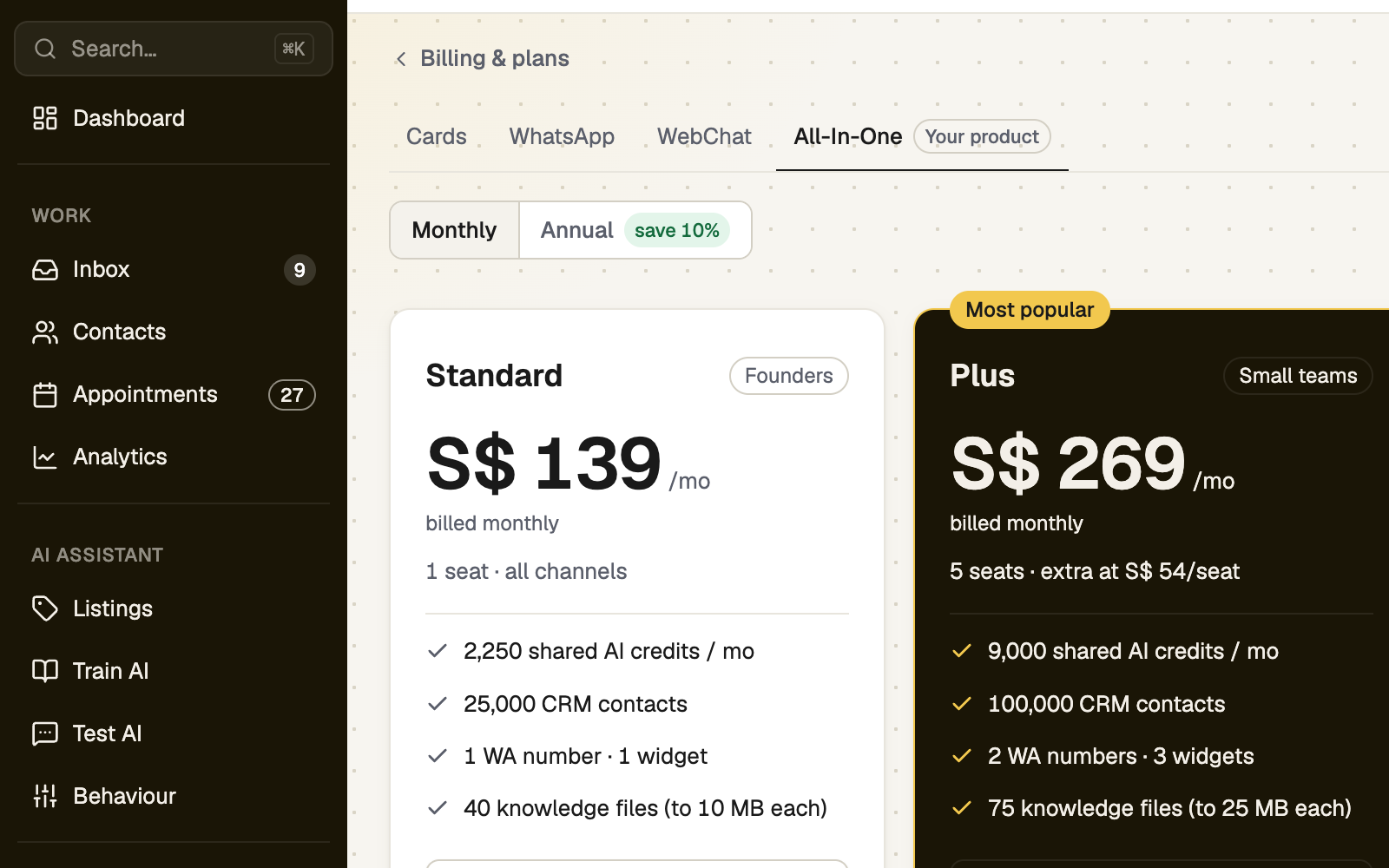
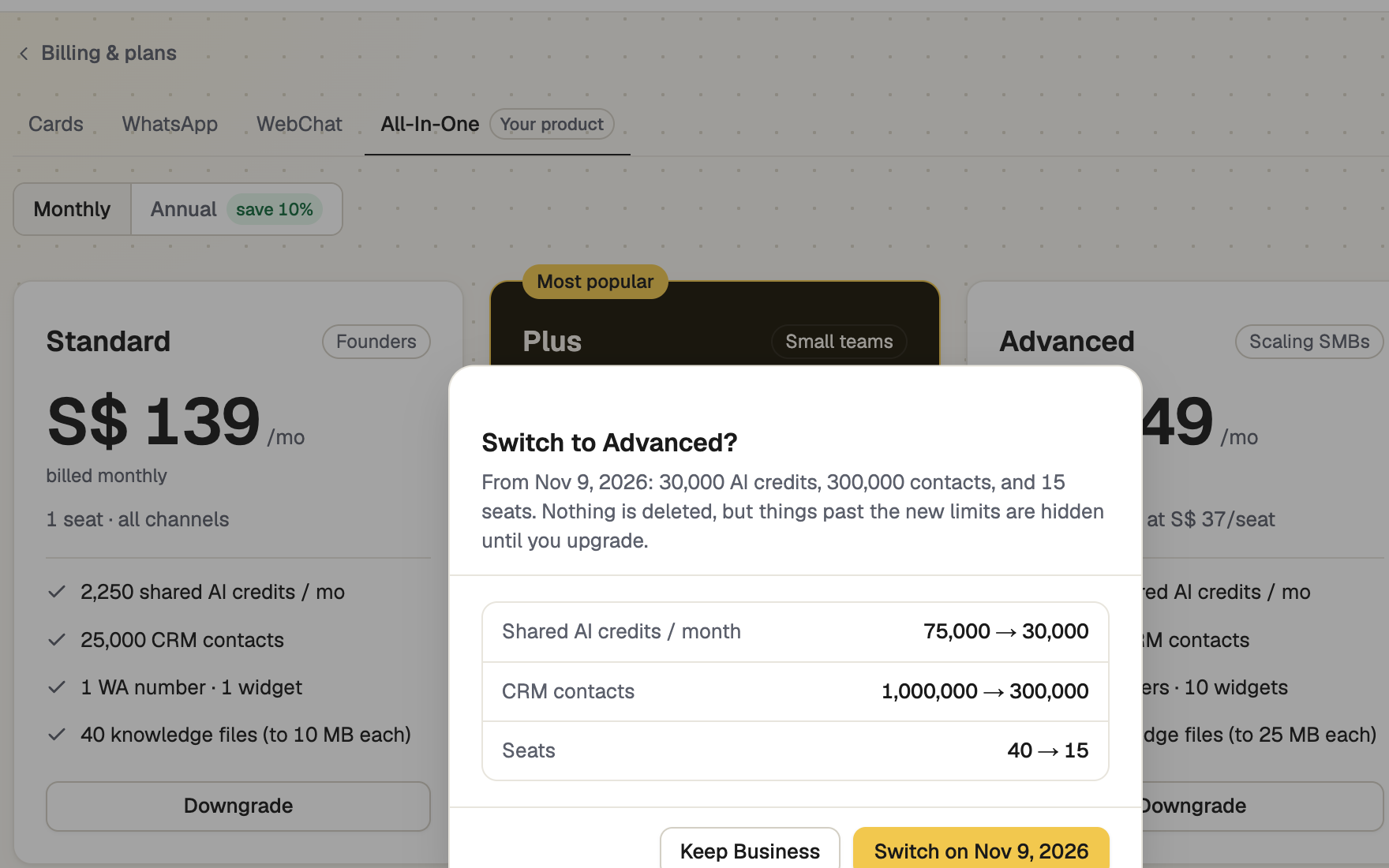
Select Change plan (Choose a plan if you have none). Pick the product, then Monthly or Annual — a year costs less than twelve monthly payments. Use the plan card's button: Subscribe, Upgrade, Downgrade, Switch to annual or Switch to monthly. A window explains the change first.
Check when it takes effect
| Change | When |
|---|---|
| Upgrade | At once. Nothing is charged then; the difference for the rest of the period goes on your next invoice. |
| Switch to annual, or an upgrade onto the other period | At once. It is charged today and your billing date moves to today. |
| Downgrade, or Switch to monthly | At the end of the period, with nothing charged now. You keep your plan until then; Cancel this change undoes it. |
A move to a different product can switch features off at once, even as an upgrade. The window lists them under "Stops as soon as you confirm".
Update your card and find invoices
Payment → Update (or Add card) opens the secure payment portal, then brings you back. Invoices lists each one, with View ›, or Pay › when it is due.
Cancel or resume
Cancel plan opens the billing portal. Access stays until the period ends, and the chip reads Cancels with the date. Resume before then keeps you renewing. When a plan ends the AI and channels stop, but your card, its contact form and your contacts stay.
If it doesn't work
| What you see | What to do |
|---|---|
| "Billing needs “Manage billing”. Ask the business owner to add it to your role." | Ask the owner to add it. |
| "More seats are in use — members, join requests waiting for approval and open invitations — than the plan you are switching to holds. Cancel invitations or remove members first." | Release the seats, then choose the downgrade again. |
| "Payment received — your new plan can take a moment to appear. Refresh shortly if it hasn't updated." | Refresh in a minute. |
Next
- AI usage, credits and overage — what your credits cover
- Extra seats, numbers and website chats — grow without changing plan
- If a payment fails — update the card, see what pauses