Before you start
0 / 3
- A name for your AI, if you want one
- Rules it must never break, such as promises to avoid
- How you sell: should it only answer, or also move customers forward?
Open Behaviour and pick a voice
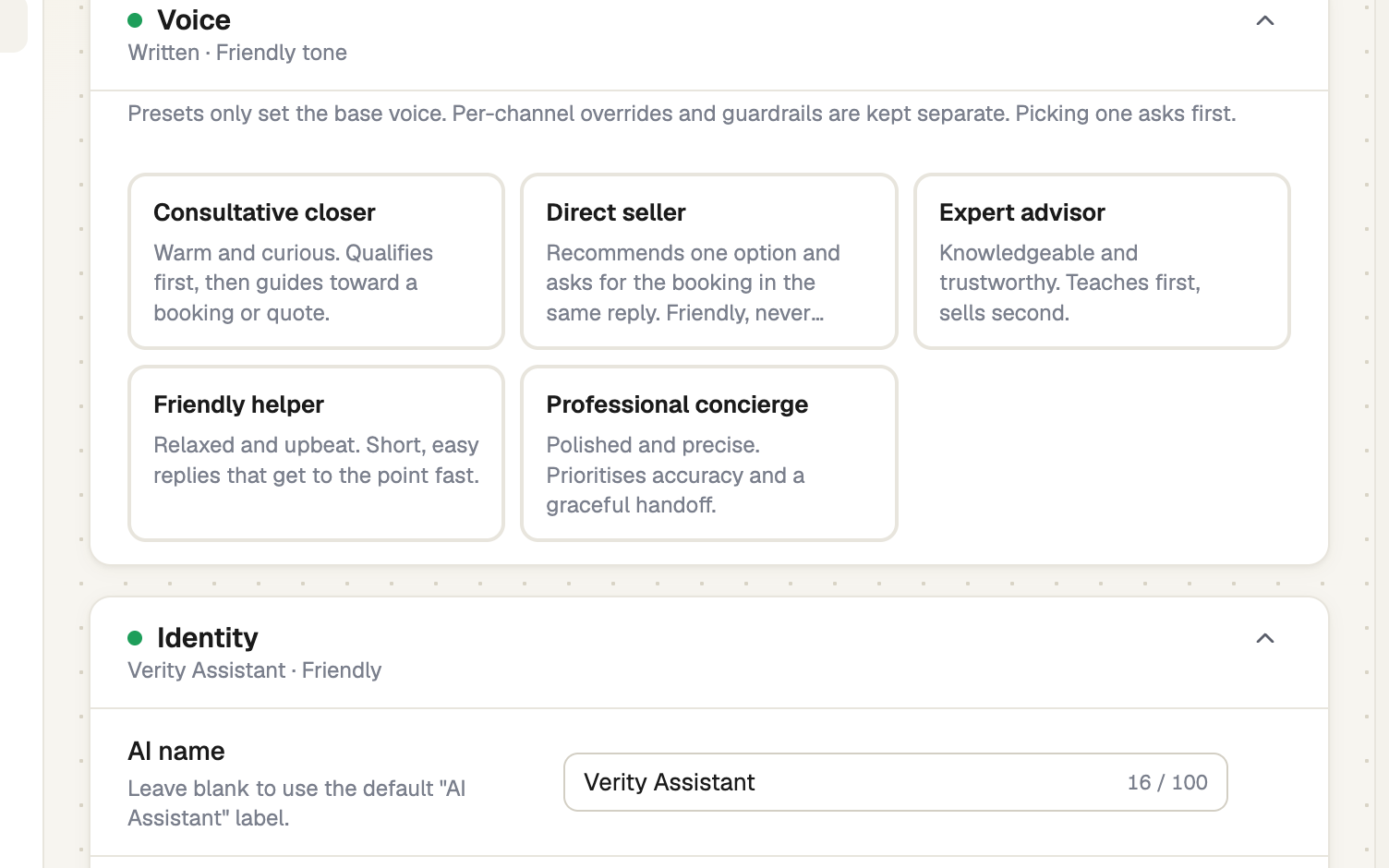
Under AI Assistant, open Behaviour. Only the owner, or a role with Set how the AI behaves, sees it. In Voice, a preset such as Friendly helper or Direct seller fills the persona, sales approach and objection rules at once. It asks first and leaves guardrails, greeting, handoff and channel settings alone. Nothing is saved until you press Save behaviour.
Name it and set how it writes
Under Identity, set the AI name and a Response style: Casual, Friendly or Formal. Persona & tone instructions win where they disagree with the style. Reply language is Auto unless you pick one. Emoji are off; when on, at most one per reply.
Write the guardrails
In Guardrails, write one rule per line: what it must never promise, discuss or disclose. They outrank everything else, including your persona, on every channel.
Say hello
Under Greeting, write the Welcome message shown when someone opens the chat on your card, and up to 4 Opening suggestions. Website chat has its own greeting, set on the widget.
Decide on handing over
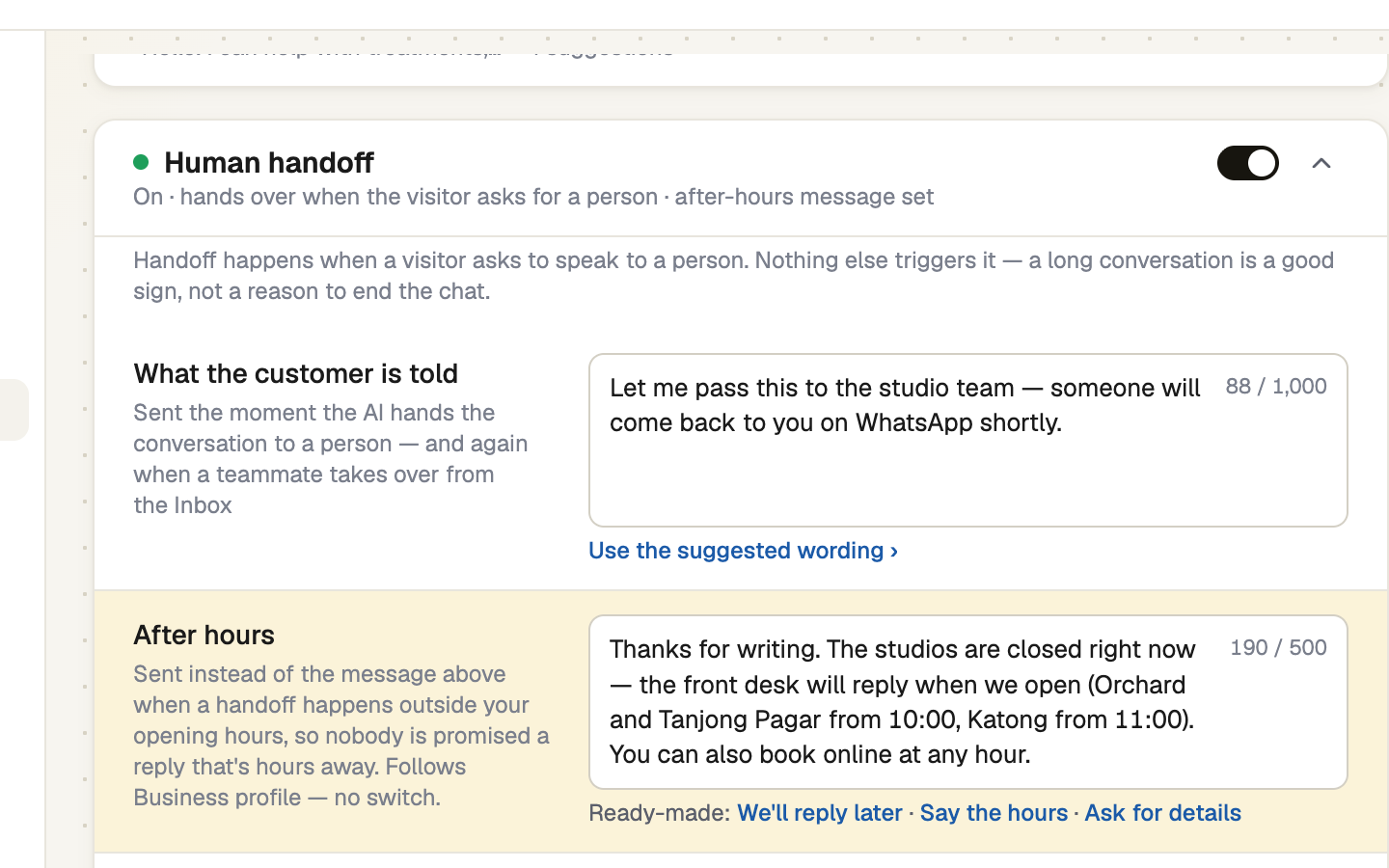
Switch Human handoff on if customers should be able to reach a person. It happens only when they ask. Edit What the customer is told, and After hours, which is sent instead when the handover falls outside the opening hours in Business profile. There is no separate support-hours setting. Who is emailed is set in Settings → Notifications.
Set the sales rules, then save
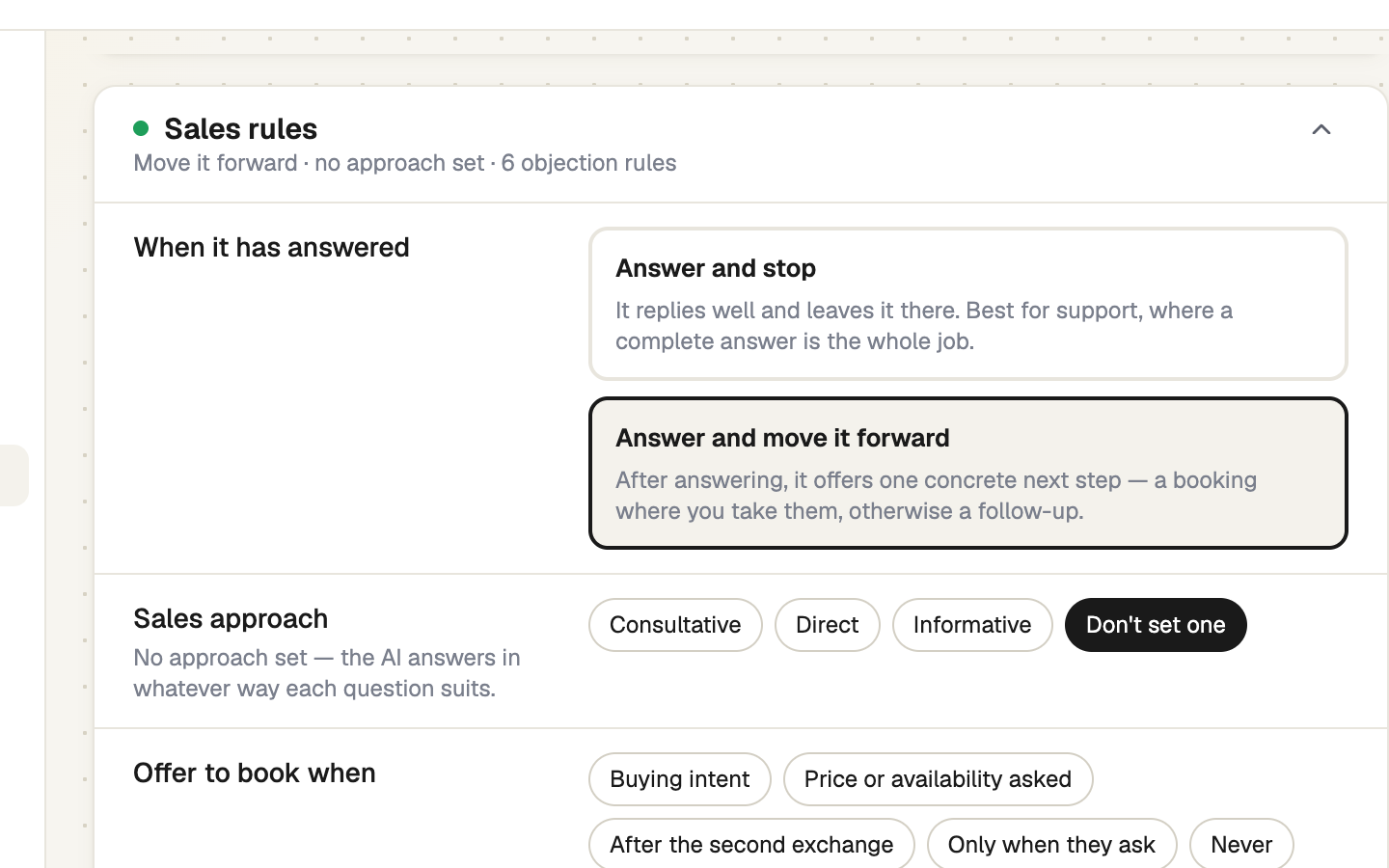
In Sales rules, choose Answer and stop, best for support, or Answer and move it forward, which offers one next step. Add a Sales approach, Offer to book when (it sends your booking page) and Rules the AI always follows. Add Objection → response pairs, then press Save behaviour.
Persona, style and handoff can differ per channel: set that on the channel's AI replies tab. Test AI ignores those overrides.
If it doesn't work
| What you see | What to do |
|---|---|
| "Fill in both sides of the highlighted objection rules first." | Complete each When the customer says… and The AI should… pair, or clear both. |
| A rule says to send a page, but the AI types the answer | Tick that page under Train AI → Website → What the AI read → AI may send. |
Next
- Ask it a test question — hear the new voice
- What the AI can and cannot answer
- Mark a lead won or lost — lost reasons suggest objection rules here