Before you start
0 / 3
- A device that can install it: Android, iPhone or iPad, or Chrome or Edge on a computer
- TapBrig open in your own browser, not the one inside Instagram, Facebook or TikTok
- Your sign-in, because your account doesn't travel from one browser to another
Open TapBrig in your own browser
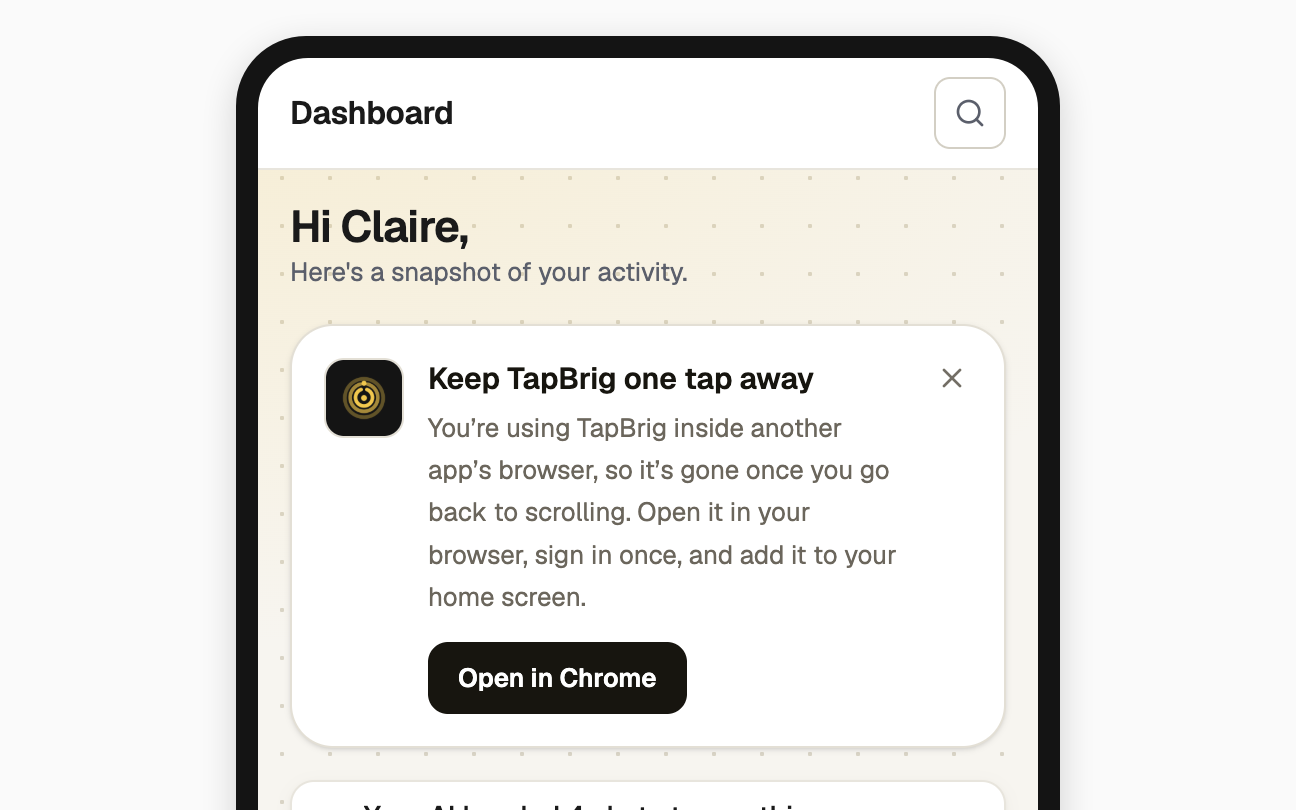
Skip this if you are already in Chrome, Safari or another browser of your own. Inside Instagram, Facebook or a similar app, the Dashboard shows Keep TapBrig one tap away instead of the install card.
On Android, tap Open in Chrome. On an iPhone, tap ••• at the top, then Open in browser. Sign in once there.
Install it
| Device | Do this |
|---|---|
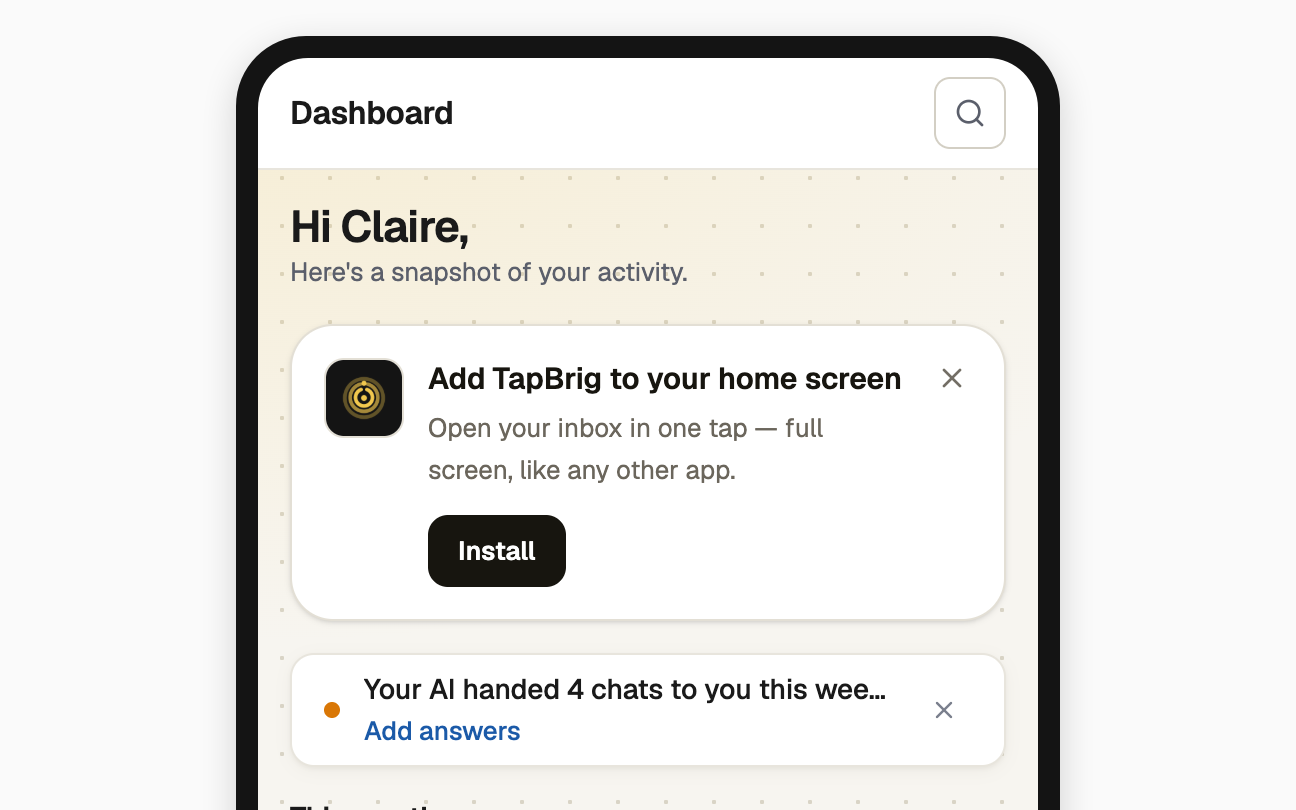
| Android | On the Dashboard, tap Install on the card Add TapBrig to your home screen, then confirm |
| iPhone or iPad | Tap Share, then Add to Home Screen |
| Computer | Open the account menu at the foot of the sidebar and choose Install app |
Closed the card? It stays closed on that device, but Install app stays in the account menu. On a phone, open Menu, then your name.
Open TapBrig from your home screen
It opens full screen, like any other app. On an iPhone, open it from there to turn on notifications on this device.
If it doesn't work
| What you see | What to do |
|---|---|
| "Google sign-in doesn't work inside this app's browser." | Open the page in your own browser first, then choose Continue with Google there |
| No Install button and no Install app item | You are already using the installed app, or your browser can't install web apps, such as Firefox. Open TapBrig in Chrome or Safari |
| The install card has gone | You closed it. Use Install app in the account menu |
Next
- Find your way around — the sidebar, search and the phone bar
- Notifications: email and this device — turn on alerts for this device