Before you start
0 / 3
- A name and a length for each thing people can book
- The details you need from a visitor: name, email or phone
- The Manage appointments permission; the owner has it
Open Appointments → Settings and find Appointment types
With no types, visitors book a general appointment of the default Length from When and how long.
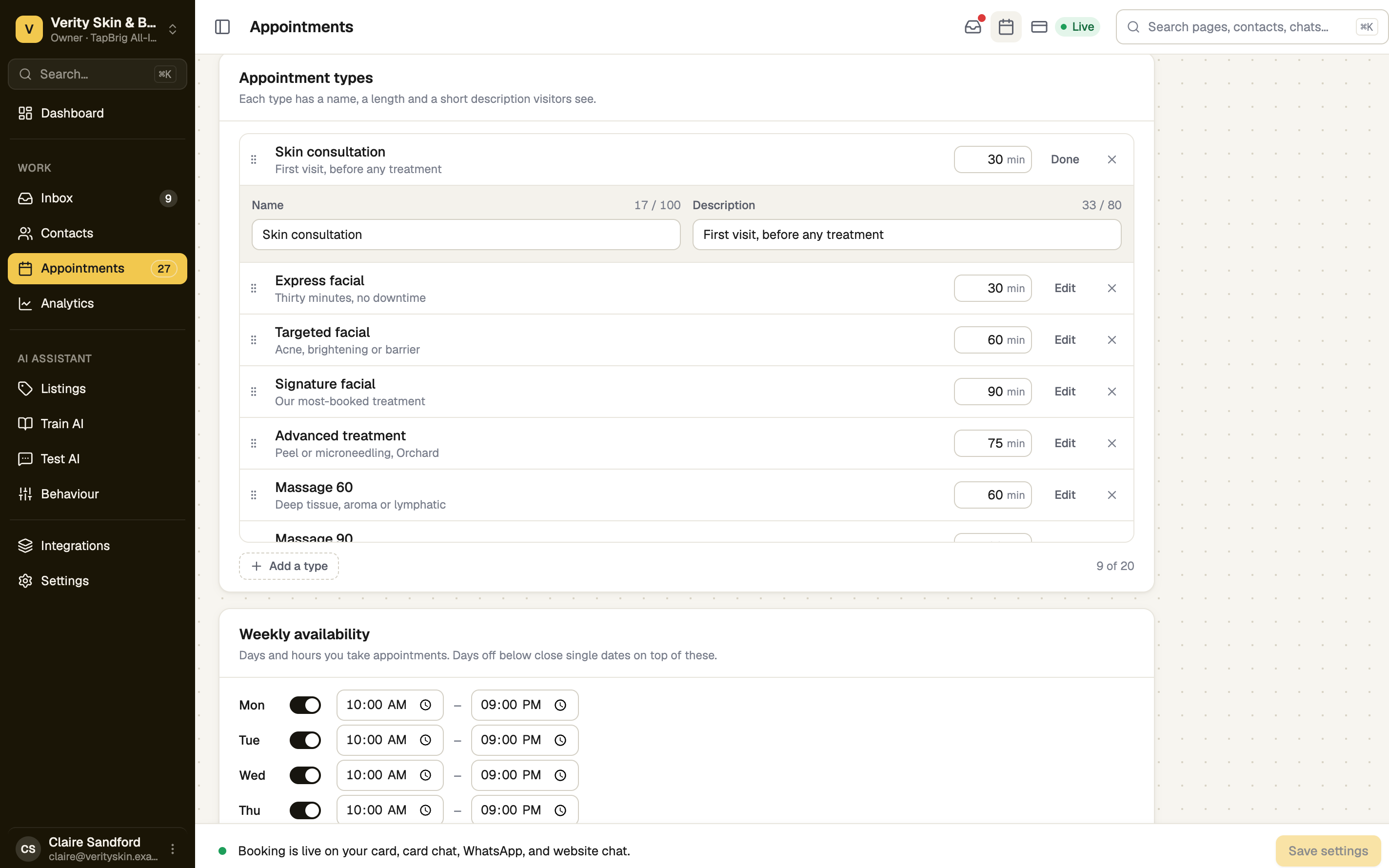
Press Add a type
Enter a Name, such as Tasting session, an optional Description (a short line visitors see), and its length in minutes. Press Done. The length sets how long each time is for this type.
Put them in order
Drag the grip beside a type, or focus it and press the arrow keys. Remove one with ×. Visitors see them in this order, with the first selected.
Choose what the form asks
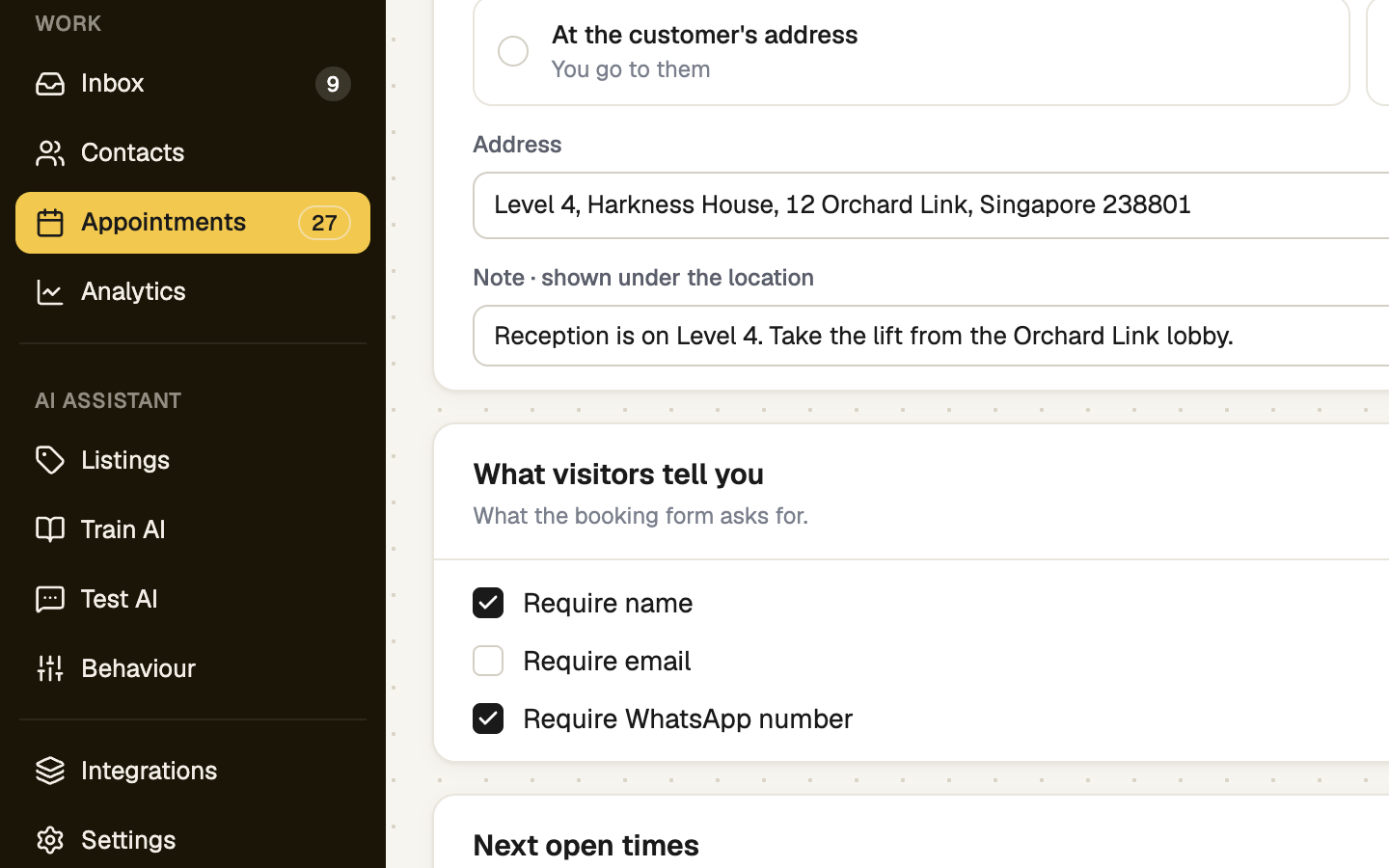
Under What visitors tell you, tick Require name, Require email and Require WhatsApp number as you need them. Keep at least one contact detail on. Under Confirming, an optional Confirmation message is shown after booking and in the email. Then press Save settings.
With one type, visitors go straight to picking a time. With two or more, they choose first.
If it doesn't work
| What you see | What to do |
|---|---|
| "Give this type a name." | Name every type before you save. |
| "Keep at least one contact detail on — otherwise you can't reach the person who booked." | Tick Require email, Require WhatsApp number, or both. |
| "Enter a number from 5 to 480." | A type's length is in minutes. |
| "That service is no longer offered. Pick another one." | A visitor sees this if you removed the type while they were choosing. They pick again. |
Next
- Your booking page — see the choices as a visitor does
- When you are available — set the days and hours