Before you start
0 / 3
- An email invitation, an invite link or a join code from the business
- The email address the invitation was sent to, if you were invited by email
- Someone at the business who can approve you — for a link or a code
Join with what you were given
Use the row that matches:
| You were given | Do this |
|---|---|
| An email invitation, no TapBrig account yet | Open its link and create your account. Your email is filled in and the role is named. You join at once. |
| An email invitation, and you have an account | Sign in. The invitation waits on your Dashboard: choose Accept. |
| An invite link | Open it and create your account. You are asking to join. Already have an account? Ask for the join code instead. |
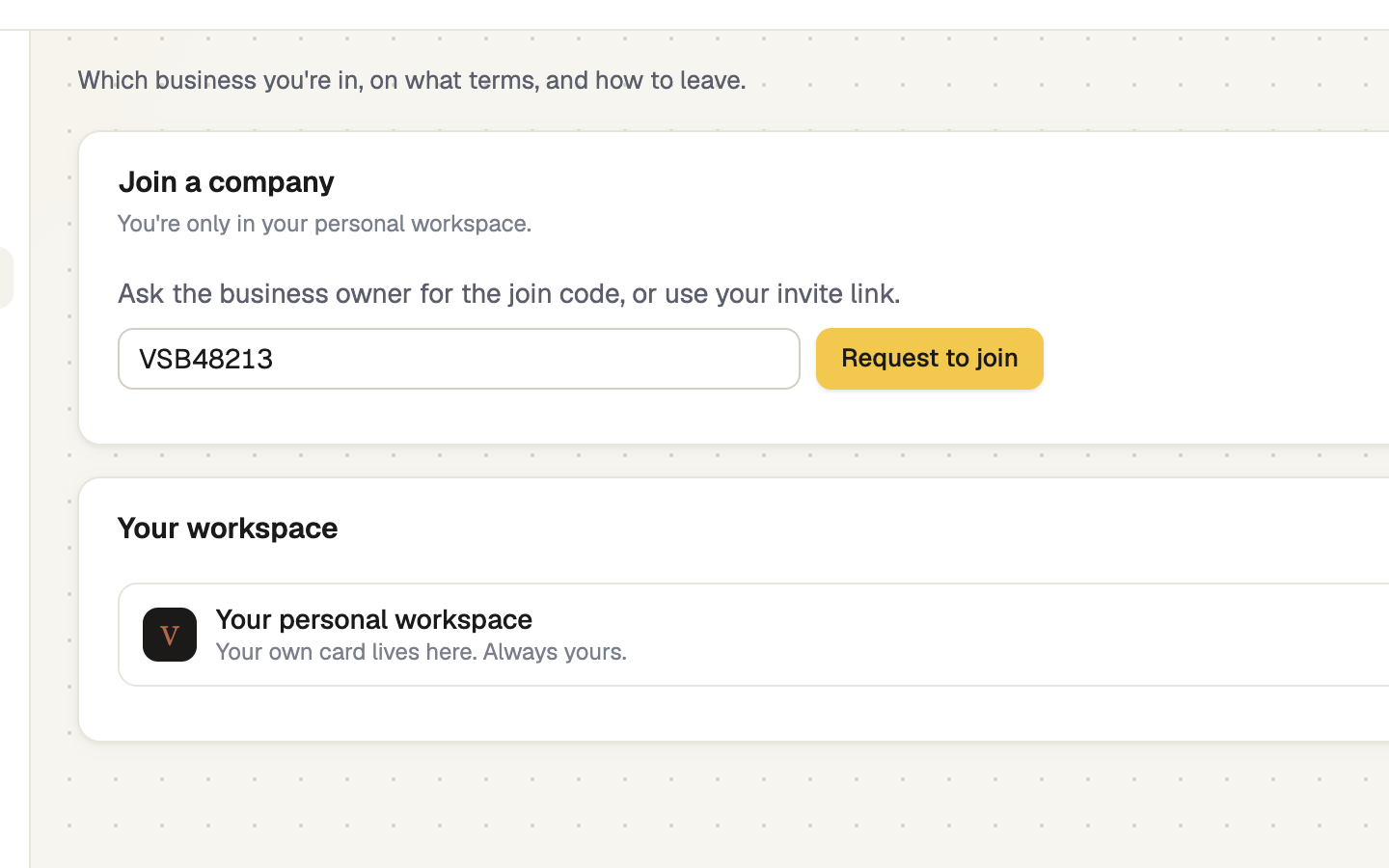
| A join code | Go to Settings → Your workspace, select Enter a join code, type it and select Request to join. |
If you are on your own, the Dashboard also offers Join with a code.
Wait for approval
A link or code is a request: an admin has to approve it. Meanwhile the Dashboard says "You're almost in". Select Copy a reminder for the owner to paste into a message, or Withdraw request to cancel it. Your personal card is ready and comes with you. You get an email when you are approved.
screenshot · Dashboard waiting room while a join request waits for approval · 1440 × 900
Switch into the business
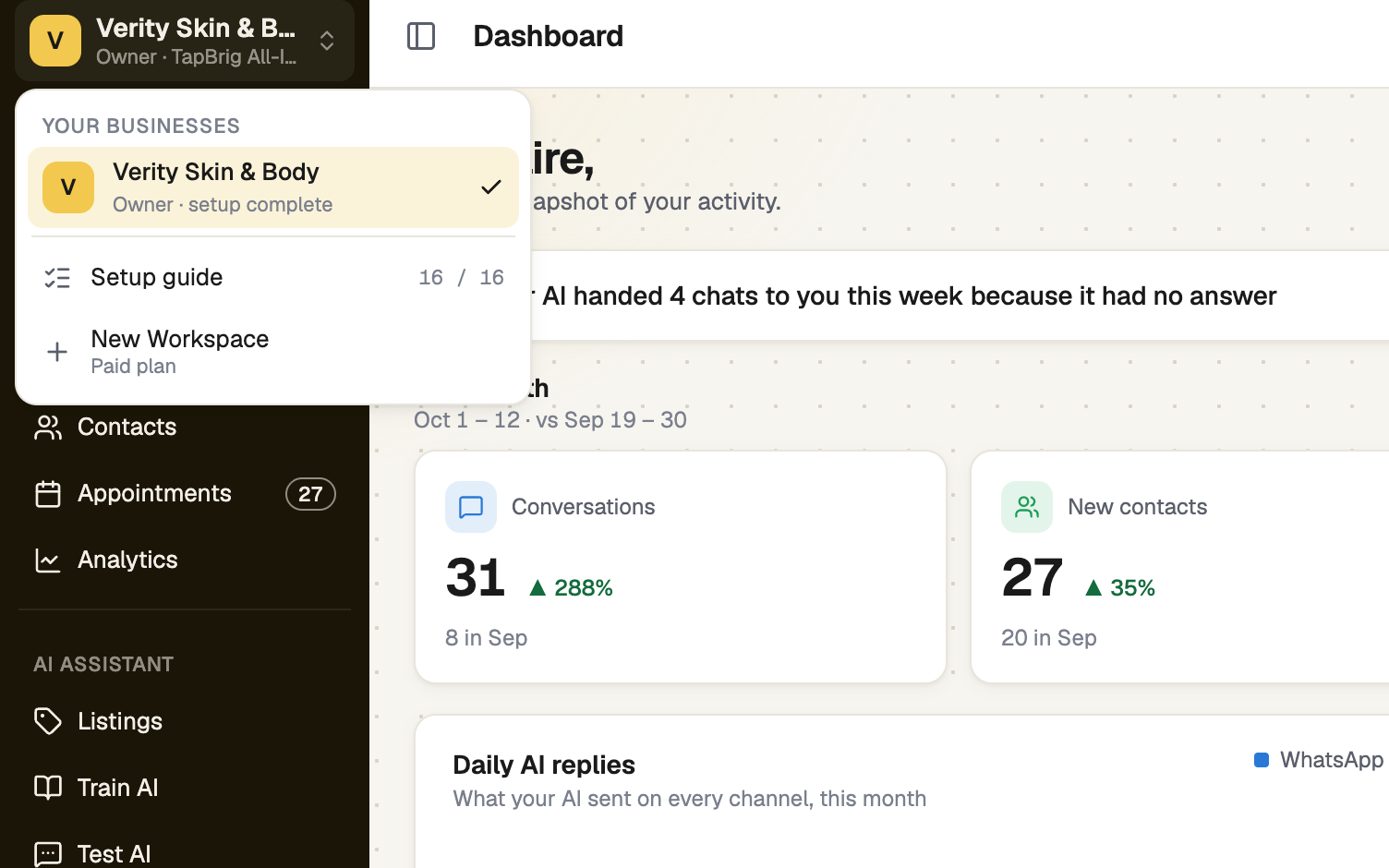
Accepting an invitation, or being approved on a brand-new account, takes you straight in. If you already had a workspace when you were approved, use the business switcher at the top of the sidebar (Menu on a phone) and choose the business under Your businesses. Settings → Your workspace → Switch › does the same.
Check your role
Settings → Your workspace shows your role under What your role allows; See the full list opens every permission. Need more? Ask the owner to change your role. To leave, use the Leave button at the bottom of the page; you would need a new invite to come back. The owner can't leave.
If it doesn't work
| What you see | What to do |
|---|---|
| "Invalid or expired invite link" | Double-check the link, or ask for a new invitation. |
| "The join code is invalid or has expired." | Ask for the current code; the owner may have regenerated it. |
| "This email is already registered. Try logging in instead." | You already have an account. Sign in, then open the invitation again. |
Next
- Your profile — add your name and photo
- Roles and permissions — what your role can do
- Find your way around — the sidebar and the switcher