Before you start
0 / 3
- Something to answer from: a FAQ, a Ready document or website, or a visible listing
- AI on your plan for the channel you want
- The "Set how the AI behaves" permission, which the owner has
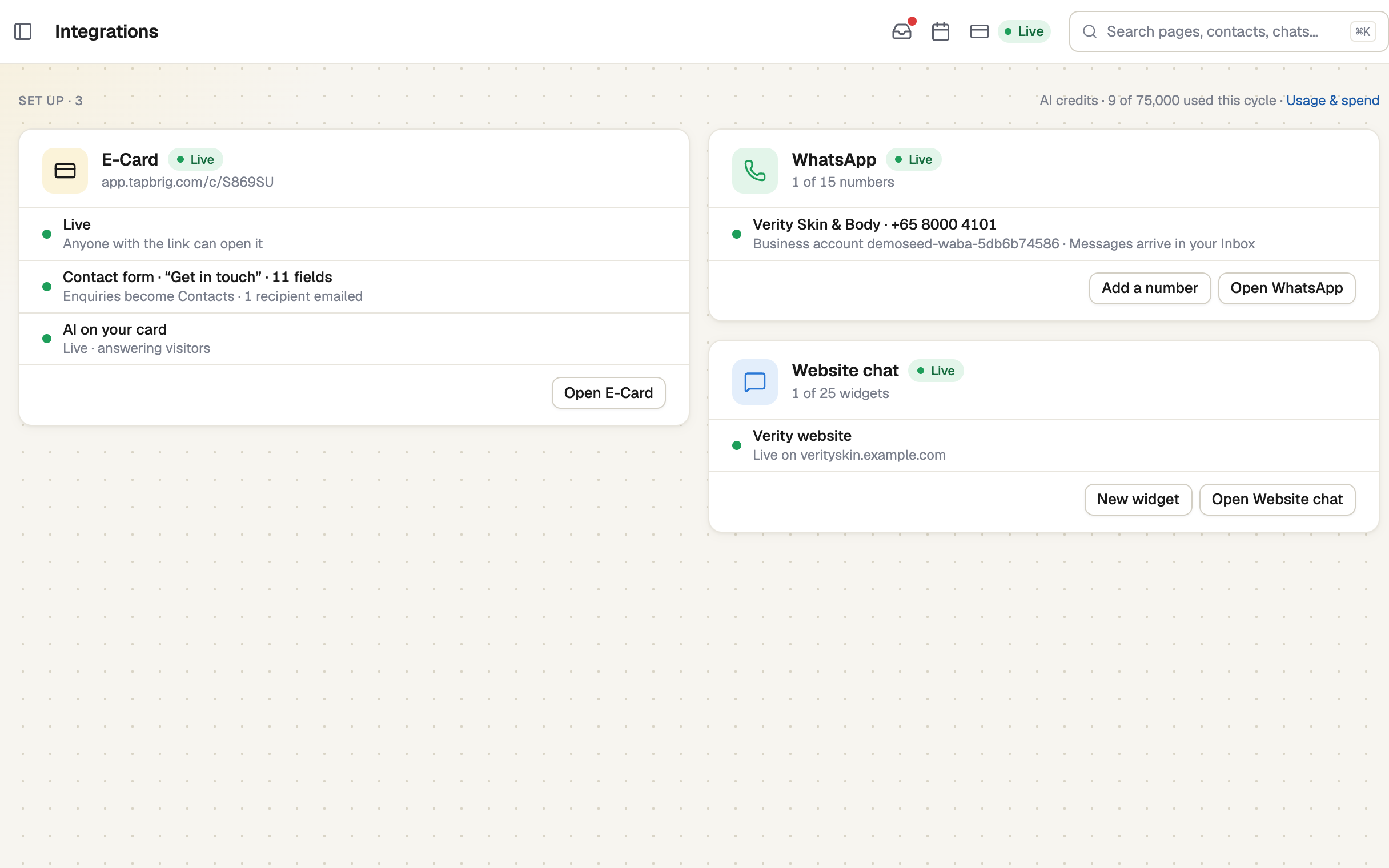
Open Integrations and see where each AI stands
The E-Card card has an AI on your card line, and each widget on the Website chat card shows whether it is answering: Live, Off, On, but not answering or Blocked · AI paused. WhatsApp's AI is set per number, on its own page. There is no master switch: each channel has its own.
Turn on the card chat
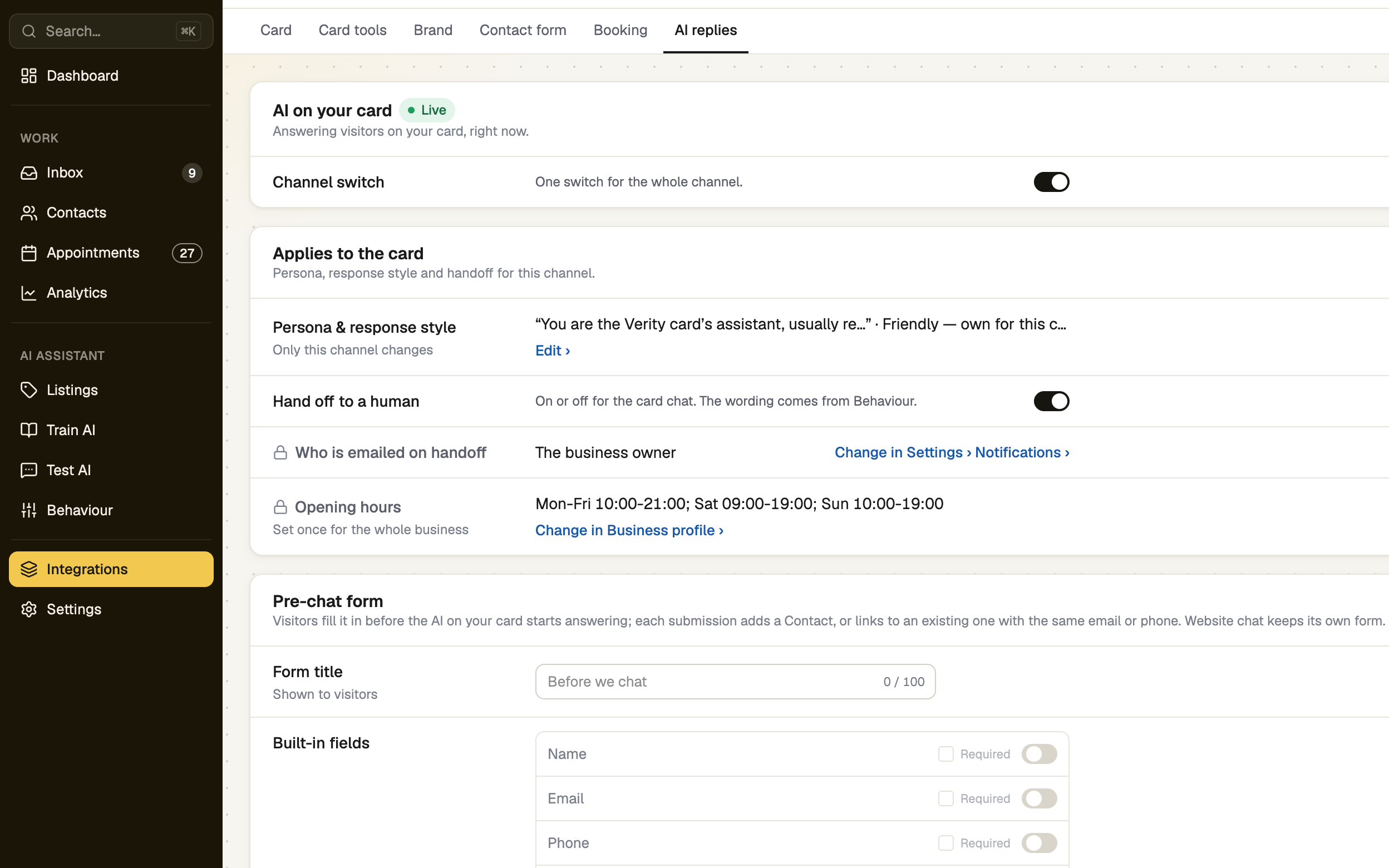
Open E-Card, then its AI replies tab. Switch Channel switch on and press Save changes. The chip reads Live, or On, but not answering if there is nothing to answer from yet.
Turn on website chat
Open Website chat. Each widget has its own switch: edit the widget, turn on Show on your website and press Save changes. The AI replies tab holds the persona, style and handover settings that every widget shares.
Turn on WhatsApp
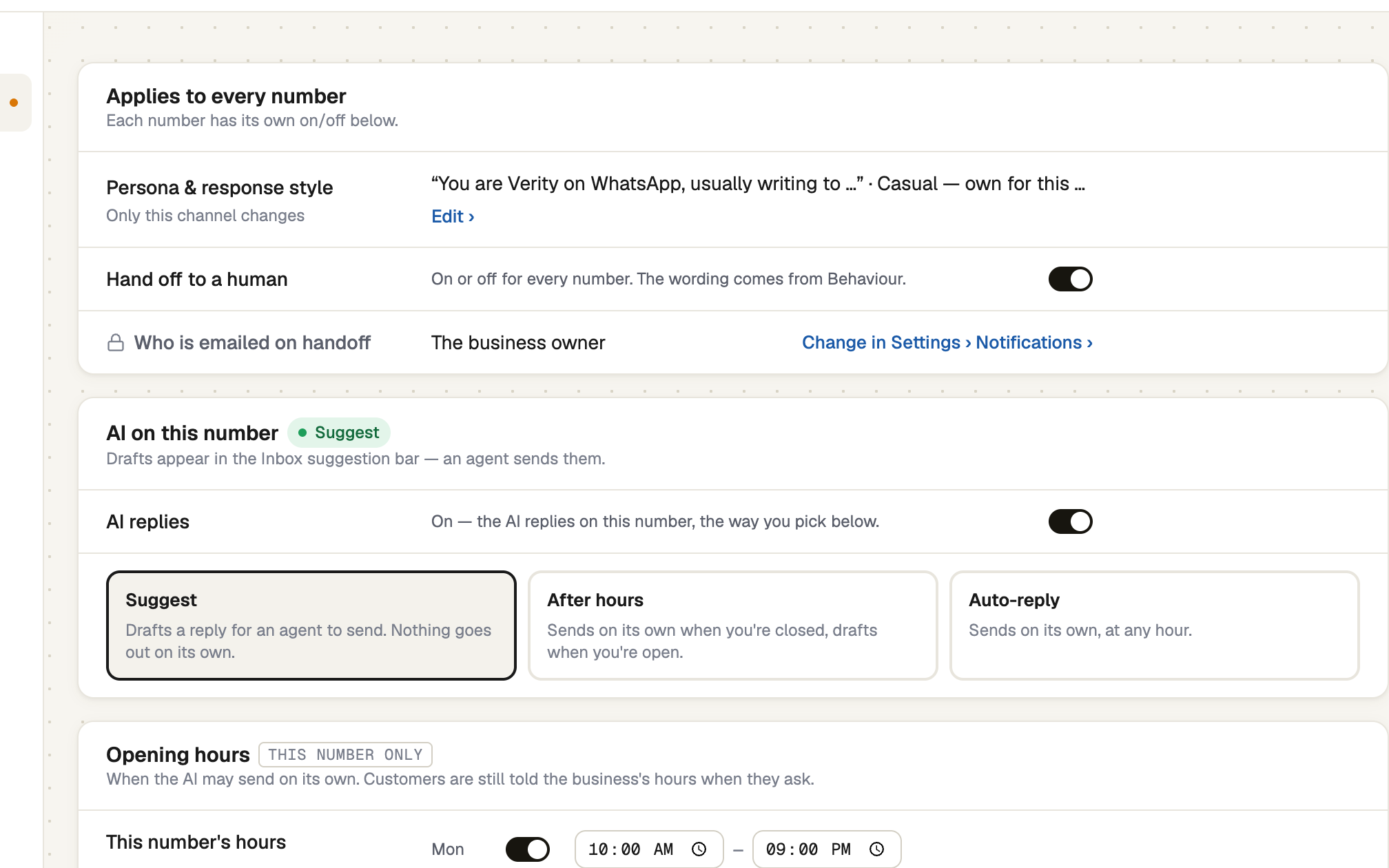
Open WhatsApp, then AI replies. Pick a number and switch AI replies on. Then choose a Mode: Suggest only drafts replies for your team to send, so it is the safe first move. Press the Save button.
An AI with nothing to answer from does not reply and uses no credit. In the card chat and website chat the customer sees your handover message. On WhatsApp nothing is sent.
Each AI reply uses 1 AI credit. When your credits run out, the AI pauses on every channel until the cycle resets or you add more.
If it doesn't work
| What you see | What to do |
|---|---|
| "On, but not answering" | Add a FAQ, a document, your website or a listing in Train AI. |
| "Blocked · AI paused" | This cycle's credits are used up. Add credits or change plan on Usage & spend. |
| "Not in your plan." | That channel's AI is not on your plan. The tab offers Upgrade. |
| "Can't save: the AI has nothing to answer with." | A widget cannot be saved On until the AI has something to answer from. Train it first. |
| "The AI's settings need permission" | Ask the owner for Set how the AI behaves. |
Next
- Ask it a test question — check the answers first
- Auto-reply, or suggest a reply — the WhatsApp modes
- AI usage, credits and overage — what happens when credits run out