Before you start
0 / 3
- A Meta Business account you manage
- A number that can get an SMS, and its 6-digit PIN if it has one
- WhatsApp Business 2.24.17 or newer, if the number is on WhatsApp now
Open Integrations → WhatsApp → Connect WhatsApp
Nothing is connected until the window finishes, so you can start again. Needs a plan with WhatsApp and the Manage WhatsApp numbers permission.
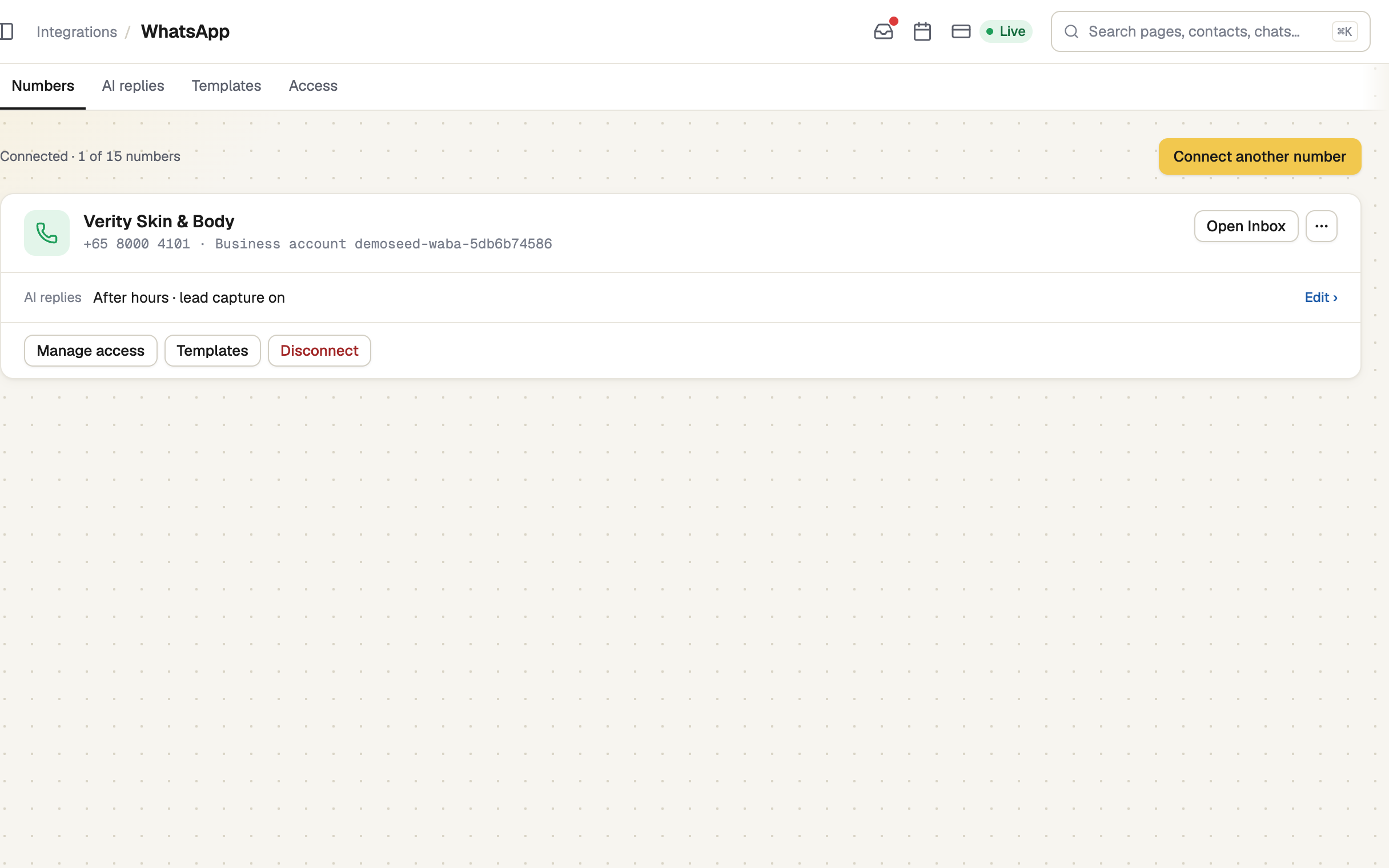
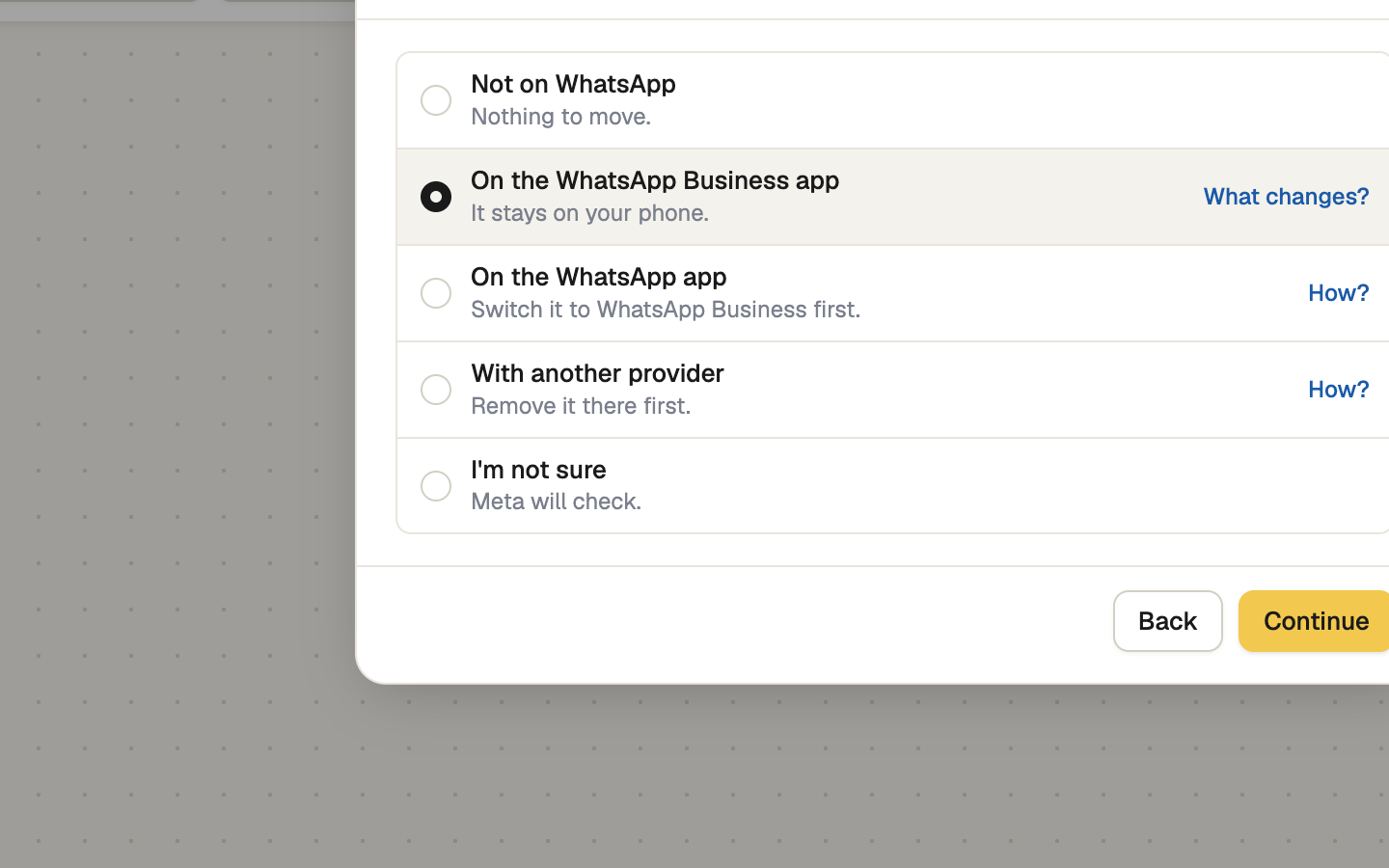
Say where the number is now
| Where it is | Do this first |
|---|---|
| On the WhatsApp Business app | Nothing. It stays on your phone. |
| On the WhatsApp app | Switch it to WhatsApp Business. Otherwise delete its WhatsApp account; its chats stay behind. |
| Not on WhatsApp | Nothing. |
| With another provider | Ask them to remove it. |
| I'm not sure | Meta will check. |
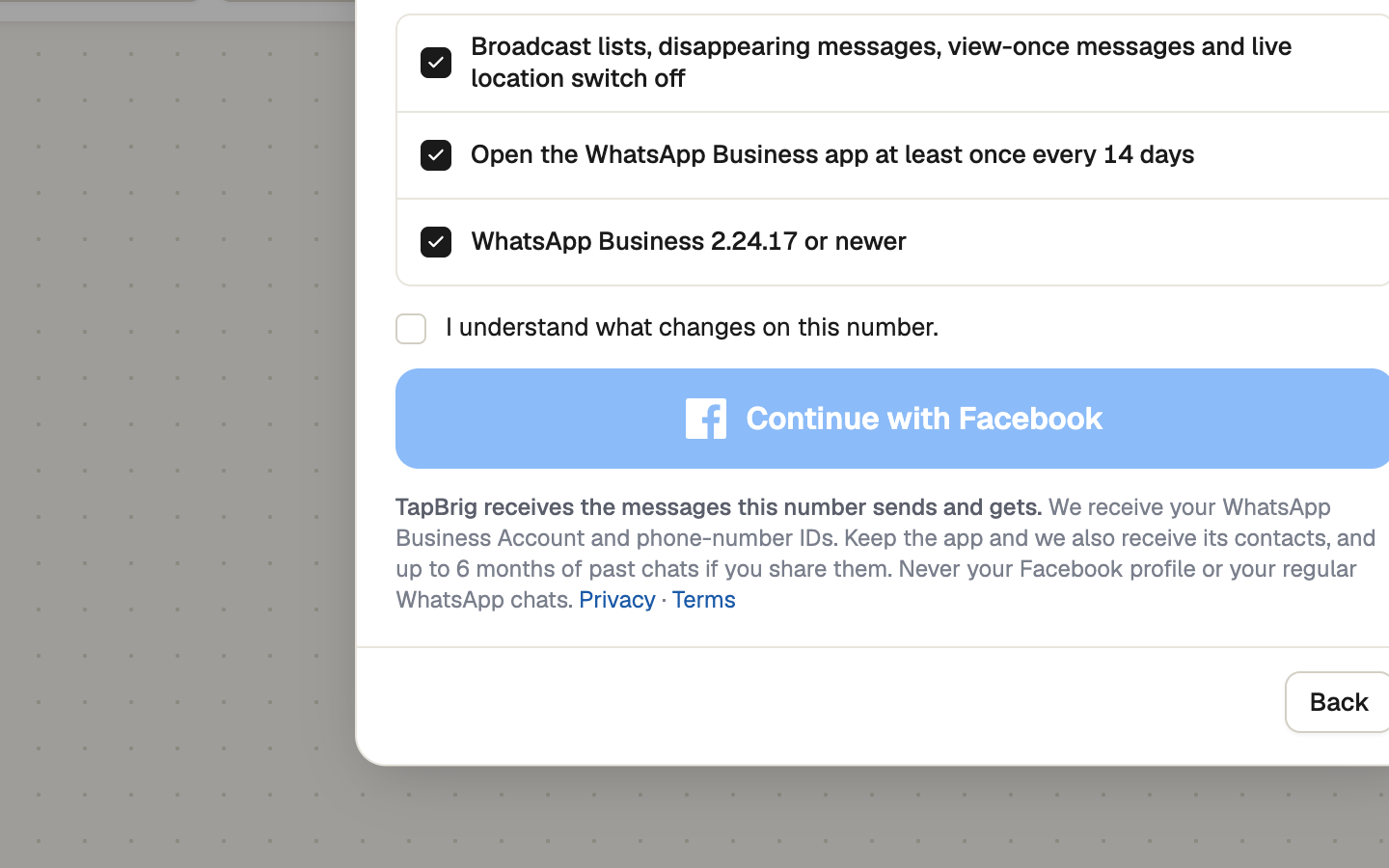
Read what changes on your phone
If the number is on the Business app, or you weren't sure: while it is connected, broadcast lists, disappearing messages, view-once messages and live location switch off, and you must open the app at least once every 14 days. Tick I understand what changes on this number, then press Continue with Facebook.
Finish in Meta's window
Allow pop-ups or it won't appear. Follow Meta's steps, then press Connect beside your number and Done.
Enter the 6-digit PIN if asked
Numbers that stay on the Business app aren't asked. Otherwise enter the number's two-step verification PIN, or choose one now if it's new. Later leaves it Connected, not live until you press Register number.
Forgotten the PIN? Meta's reset takes up to 7 days.
If it doesn't work
| What you see | What to do |
|---|---|
| "Your browser blocked the window" | Allow pop-ups for this site, then press Try again. |
| "Meta refused this number" | Do what the window says for your answer in step 2. |
| "No numbers found" | That Meta account has no WhatsApp number yet. |
| "Closed before finishing" | If it keeps failing, or your Meta account isn't verified, use Developer route on the first screen. |
| "That PIN doesn't match the two-step verification PIN on this number." | Use the right PIN, or reset it in WhatsApp Manager. After "Too many incorrect PIN attempts", wait a while. |
Next
- Choose how the AI replies — it stays off until you do
- Choose who can use the number
- What Meta charges for WhatsApp — add a card in Meta before the free replies run out